

3D book mockups for authors
Your cover, on a real book.
Upload the cover you sent to the printer and get a paperback or hardback with the spine sized from your artwork. Stand it in a bookshop, on a library shelf or on a café table, ready for launch posts, ads and your author site.
Free to start. No signup to try. Nothing stamped on your exports.
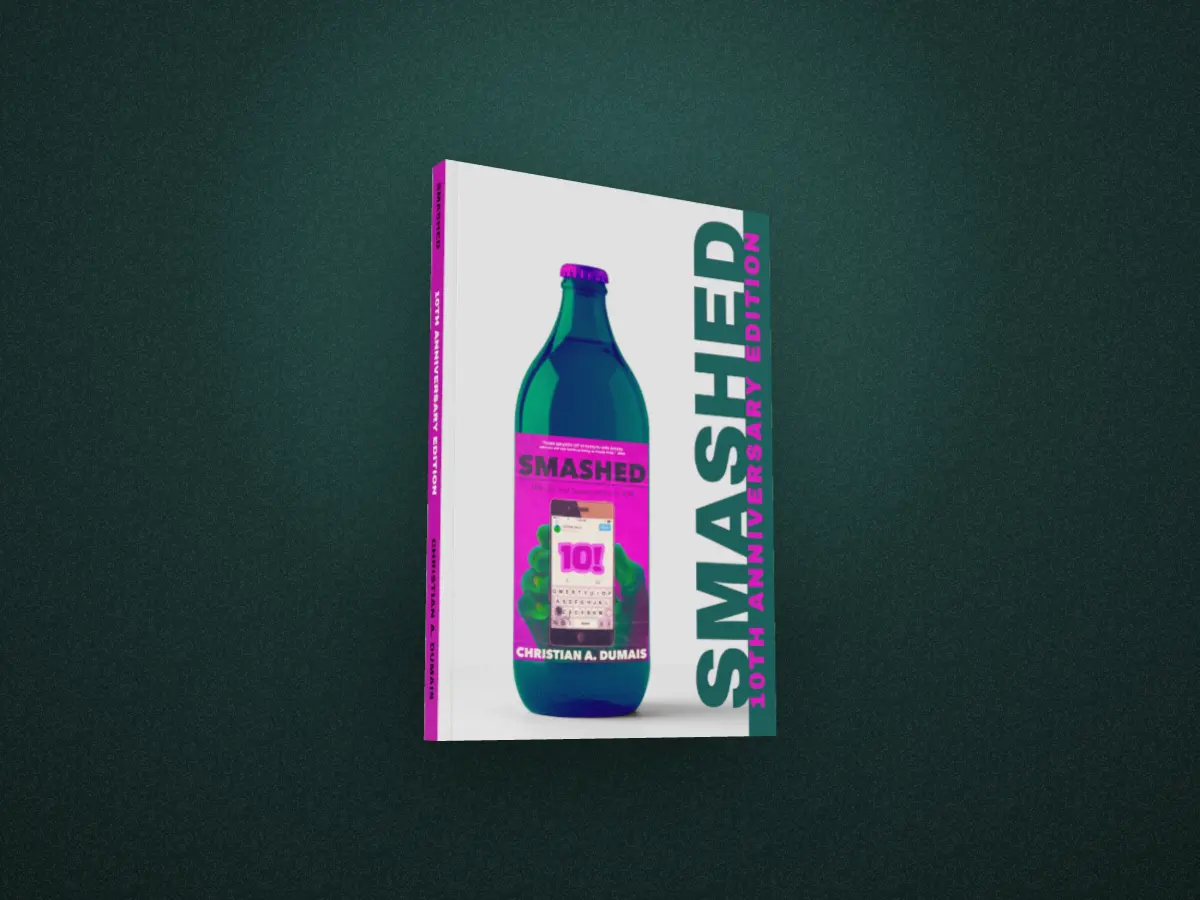
All the way round.
The back, the spine, the page edges and the front, from one file. Drag the book, or pick another of Christian’s.
Every frame here is a real render from the studio: the same 3D book you get, with the spine sized from the full wrap and the page edges drawn sheet by sheet.
30°
Made from the file you already have.
A flat cover on a store page shows what the book looks like. A book on a shelf shows it’s real: something with a spine, a weight and pages.
Give DudeCovers the full wrap you sent to the printer, back, spine and front in one image, and the spine is sized from the artwork. KDP paperback and hardcover files work as they are, PDFs too: the trim, the binding and the bleed come from the file.
Only have the front? That works too. The spine and back take the colour of the cover’s edge, and the thickness comes from your page count and paper.
Put it somewhere real.
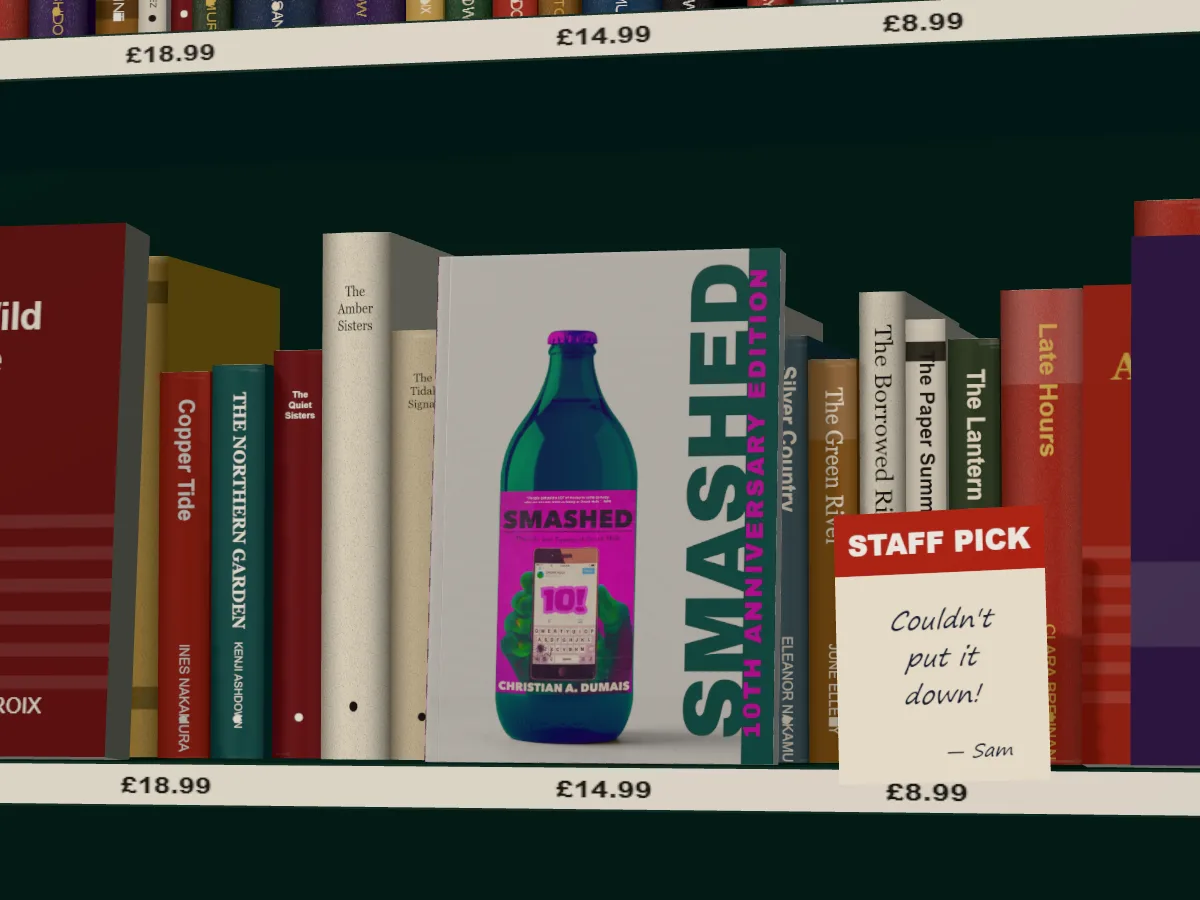
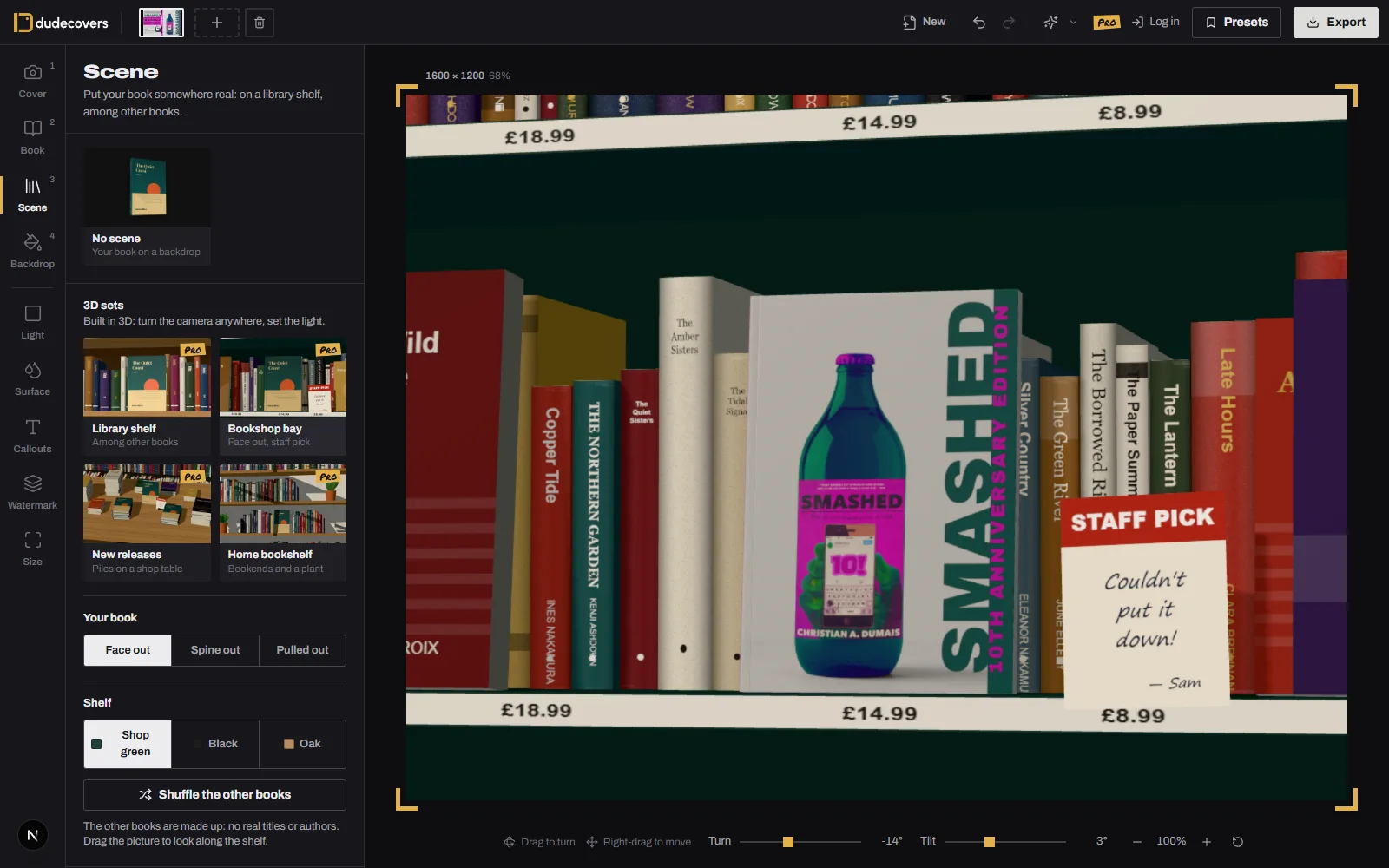
Four 3D sets you can walk the camera round, and five real rooms where your book lies on the table at the room’s own angle. The other books are made up: no real titles or authors.
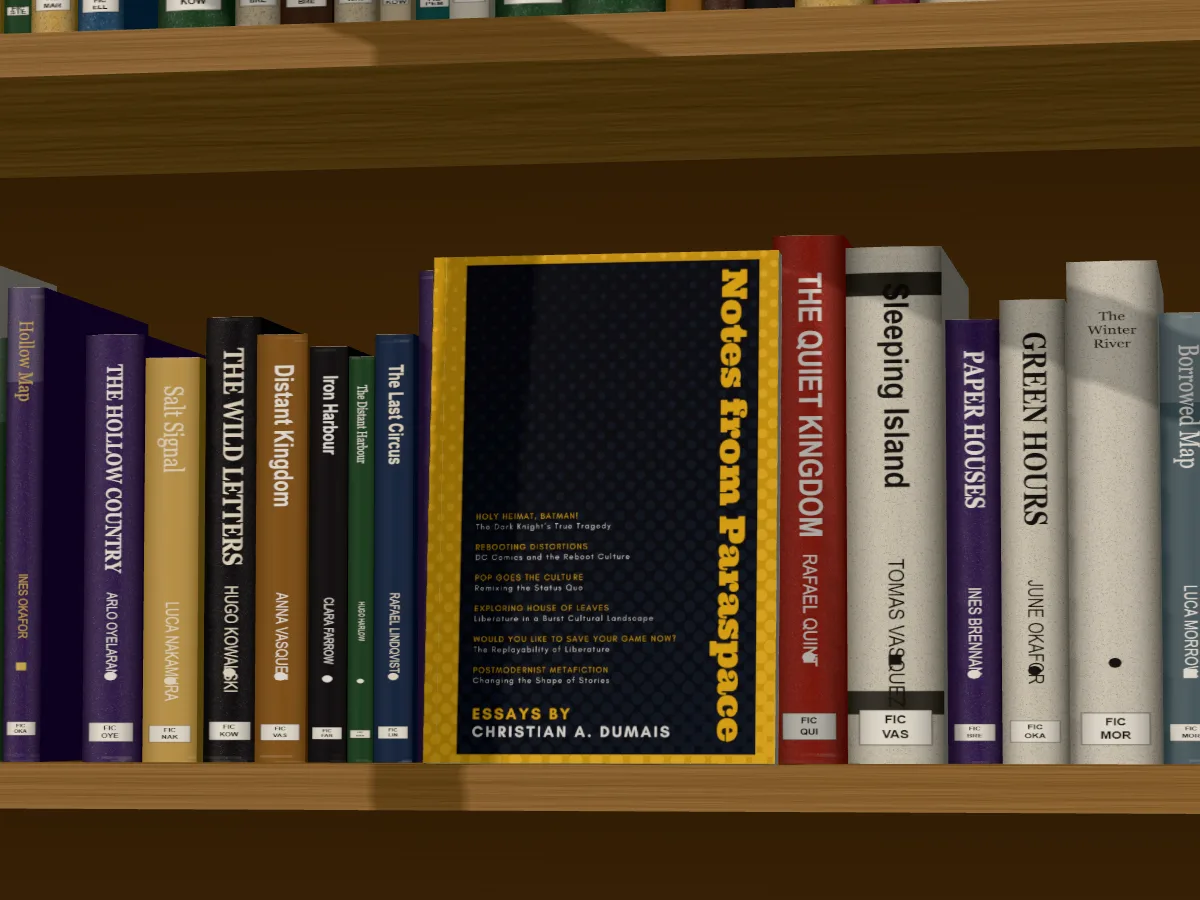
3D sets: turn the camera anywhere
Photo scenes: lay it on the table and move it round
Light it like a room.
Daylight, a warm lamp or low evening sun, from the left, in front or the right. Let it come through a window, blinds or leaves and the shadows fall across the shelf and your book, and bend over the spines.
In a photo scene your book takes the room’s light instead, and you can nudge its warmth and brightness until it sits in the picture.
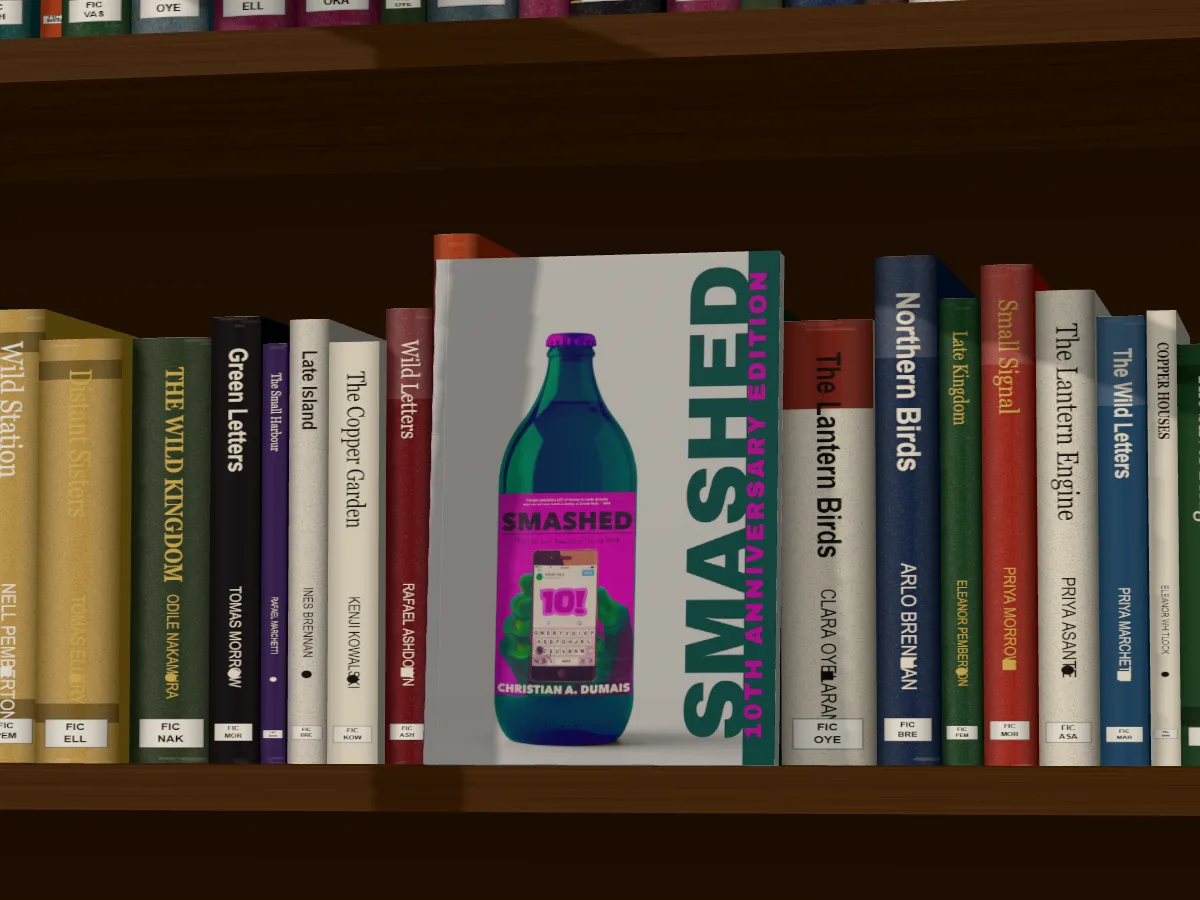
Light
It comes through
Paperback, hardback, jacket. New, or well loved.
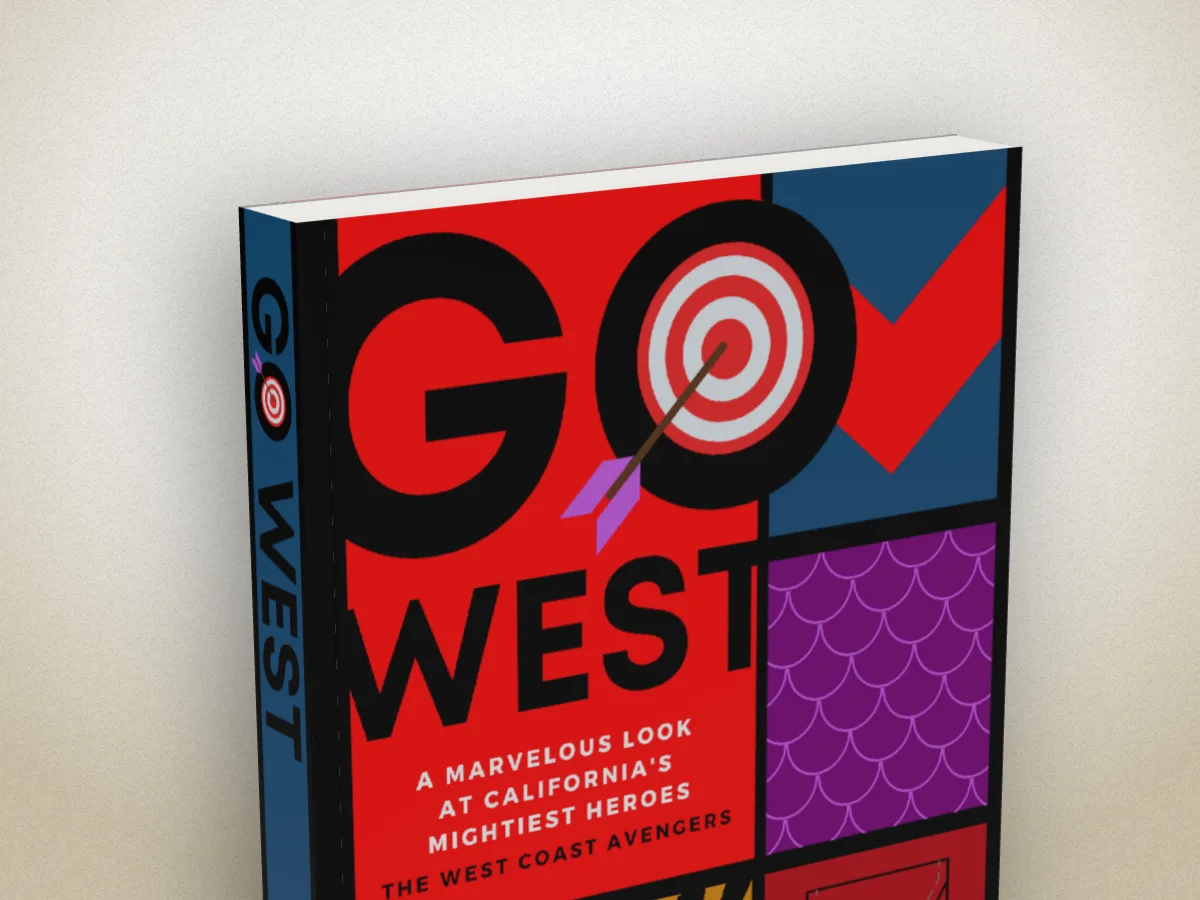
The same cover file makes every edition: a paperback, a hardback with a rounded spine and headbands, or a hardback in a dust jacket with its flaps.
Wear it in for a copy that’s been read: rubbed corners and edges, creases down the spine, yellowed pages and a nicked jacket.
Binding
Wear
How it works
- 01
Add your cover
The full wrap you sent to the printer, the KDP PDF, or just the front. PNG, JPEG, WebP or PDF.
- 02
Make the book
Paperback, hardback or dust jacket, the trim size, the pages and paper, matte or gloss, new or well loved.
- 03
Put it somewhere
A backdrop in your cover's colours, a shelf, a bookshop, a table, or a real room. Then turn it to the light and export.
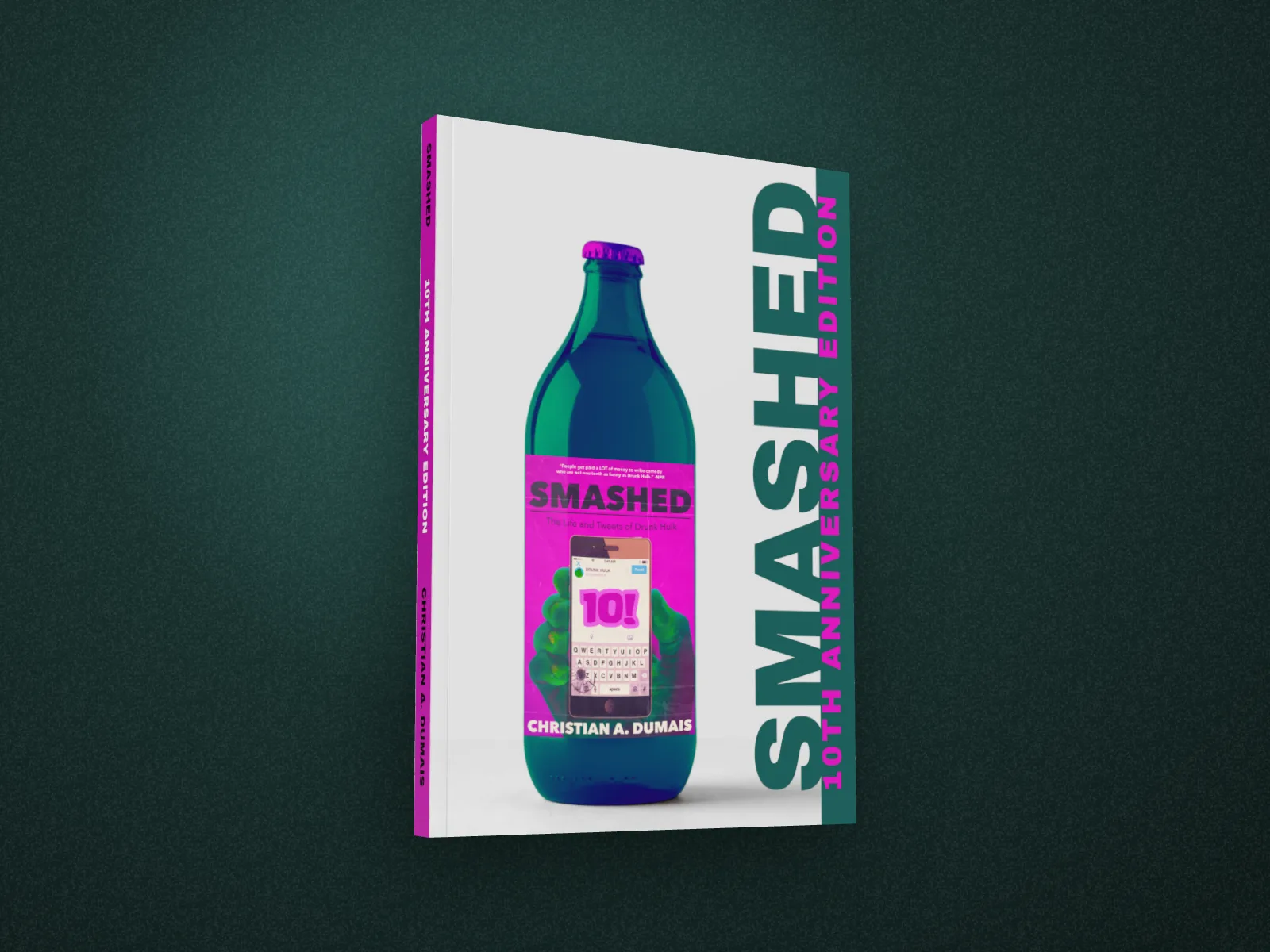
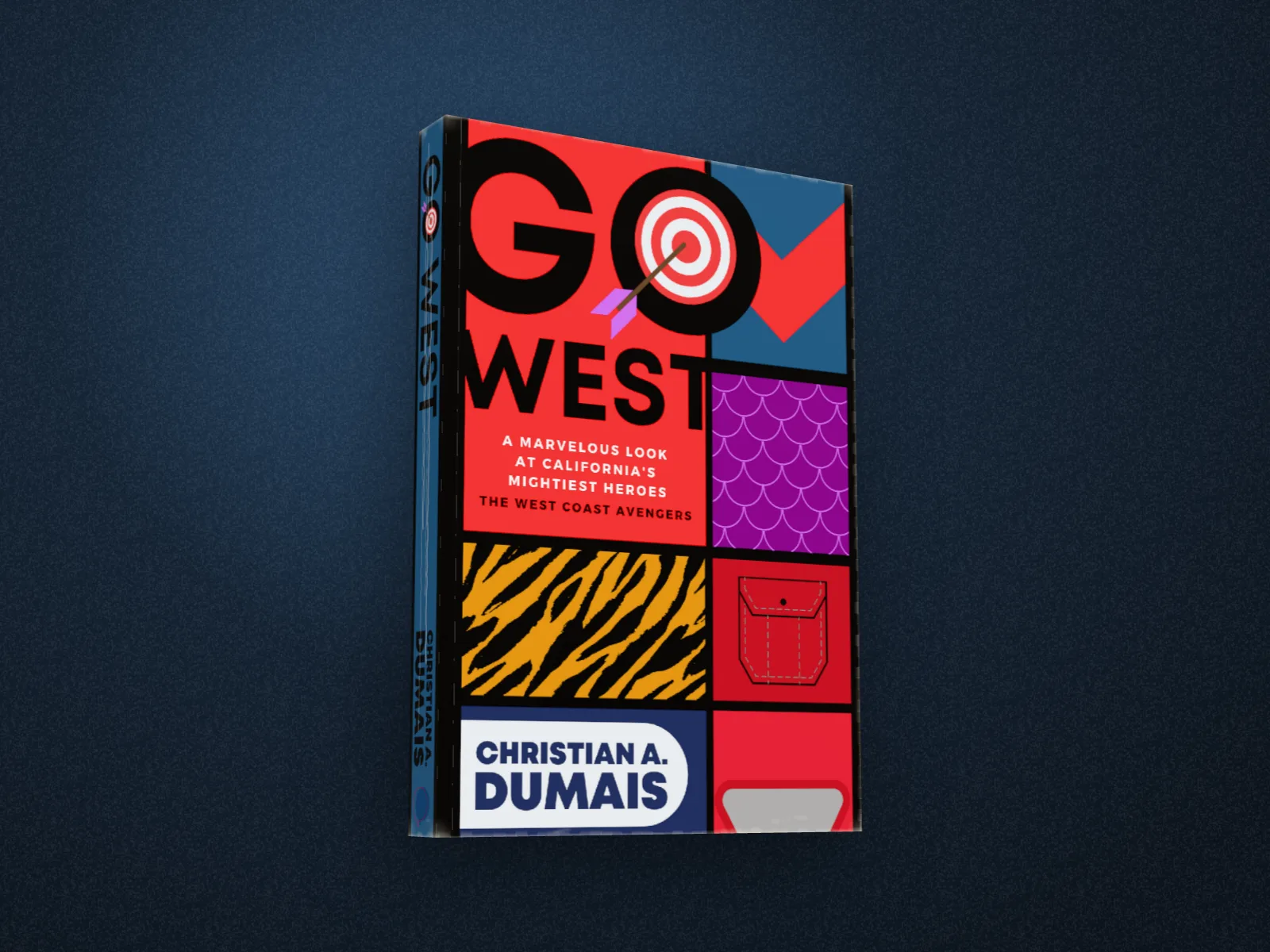
Four books by Christian A. Dumais.
His real KDP cover files, dropped in as they are. The spines, the trims and the page counts all come from the files.
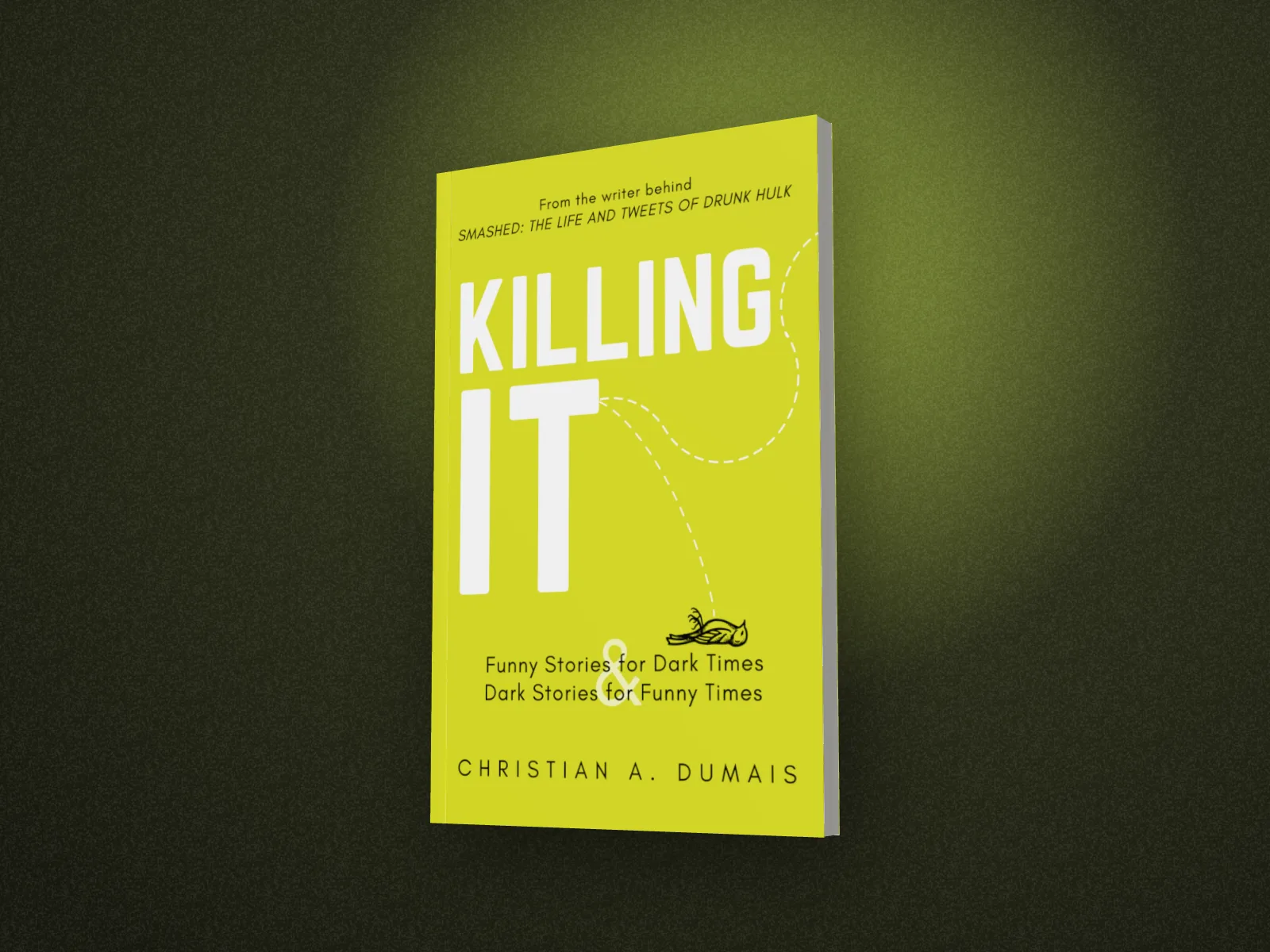
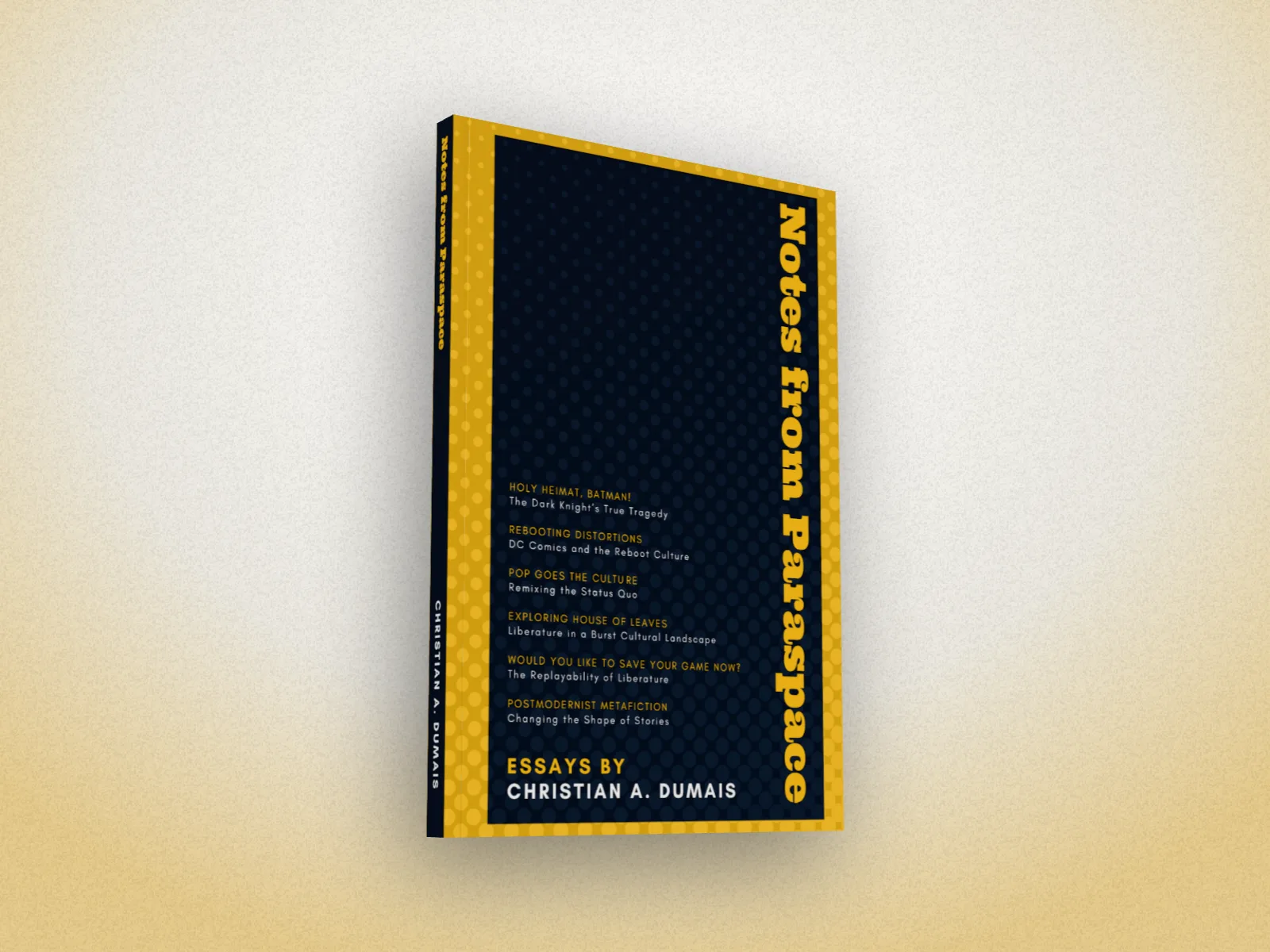
What’s in the studio
Spine from your artwork
A full-wrap file sets the spine width, so the title on the spine lands where it's printed.
KDP files as they are
Drop in the KDP cover PDF: the trim, the binding and the bleed come from the file.
All the way round
The front, the spine, the page edges and the back, turned with a drag.
Four 3D sets
A library shelf, a bookshop bay, a new releases table and a home bookshelf, filled with made-up books, never real ones.
Photo scenes
A reading room, a nightstand, a café, a windowsill, a writer's desk. Your book lies on the table at the room's own angle, with its shadow.
Light like a room
Daylight, a warm lamp or evening sun, from either side, through a window, blinds or leaves.
New, read, well loved
Rubbed corners, a creased spine, yellowed pages and nicks in the jacket, for a copy that's been read.
Launch graphics
A headline, a staff-pick note or a review on the image, rain or paint over it, your name as a watermark, sized for Amazon A+, BookBub and social.
22 trim sizes
US and KDP: 5 × 8 in, 5.06 × 7.81 in, 5.25 × 8 in, 5.5 × 8.5 in, 6 × 9 in, 6.14 × 9.21 in, 6.69 × 9.61 in, 7 × 10 in, 7.44 × 9.69 in, 7.5 × 9.25 in, 8 × 10 in, 8.5 × 11 in, 8.25 × 8.25 in square, 8.5 × 8.5 in square, 11 × 8.5 in landscape, Mass-market 4.25 × 6.87 in.
UK and Europe: A-format 110 × 178 mm, B-format 129 × 198 mm, Demy 138 × 216 mm, Royal 156 × 234 mm, A5 148 × 210 mm.
Other: Manga B6 128 × 182 mm.
Paperback, hardback or hardback in a dust jacket, white or cream paper, 24 to 900 pages.
Straight answers.
- What cover file should I upload?
- The full wrap if you have it: the one image with the back, spine and front that you sent to the printer. The spine is sized from it, so the title on the spine lands where it's printed. KDP paperback and hardcover files work as they are. A front cover alone works too; the spine and back take the colour of its edge.
- How is the spine width worked out?
- From a full wrap, by its shape: the file is as tall as the book, so its width minus the two covers is the spine. From a front cover, by the page count and paper you choose, at KDP's thickness per page (white 0.0572 mm, cream 0.0635 mm).
- Is it free?
- Yes, to start. The 3D book, as a paperback or hardback turned up to 45° either way, and export at up to twice the size are free, with no account. Pro adds turning it right round to the back and the page edges, the dust jacket, a read or well-loved copy, the full backdrop library and three times the size. You can try every Pro option; the export then carries a small preview tape.
- Can I use the images on Amazon, social media and my website?
- Yes. They're yours to use anywhere: launch posts, ads, newsletters, your author site and A+ content. Keep to each store's own rules about what may appear in product images.
- Is there a watermark?
- No. Your exports are clean.
- What are the scenes?
- Two kinds. 3D sets are built in the studio: a library shelf, a bookshop bay, a new releases table and a home bookshelf. You turn the camera anywhere and set the light. Photo scenes are real rooms (a reading room, a nightstand, a café, a windowsill, a writer's desk): your book lies or stands on the table at the room's own angle and casts its shadow, and you drag it round the table.
- Are the other books on the shelf real?
- No. Their titles, authors and covers are made up, so your book is the only real one in the picture, and nobody else's work appears in your marketing.
- Do you use AI?
- Not in the app. Your book is a real 3D model made from your file, and the 3D sets are built, not generated. The photo scenes are photographs we made once, ahead of time; nothing is generated from your cover.
Put your cover on a book.
Free to start, no card needed. Drop in your cover and turn it to the light.